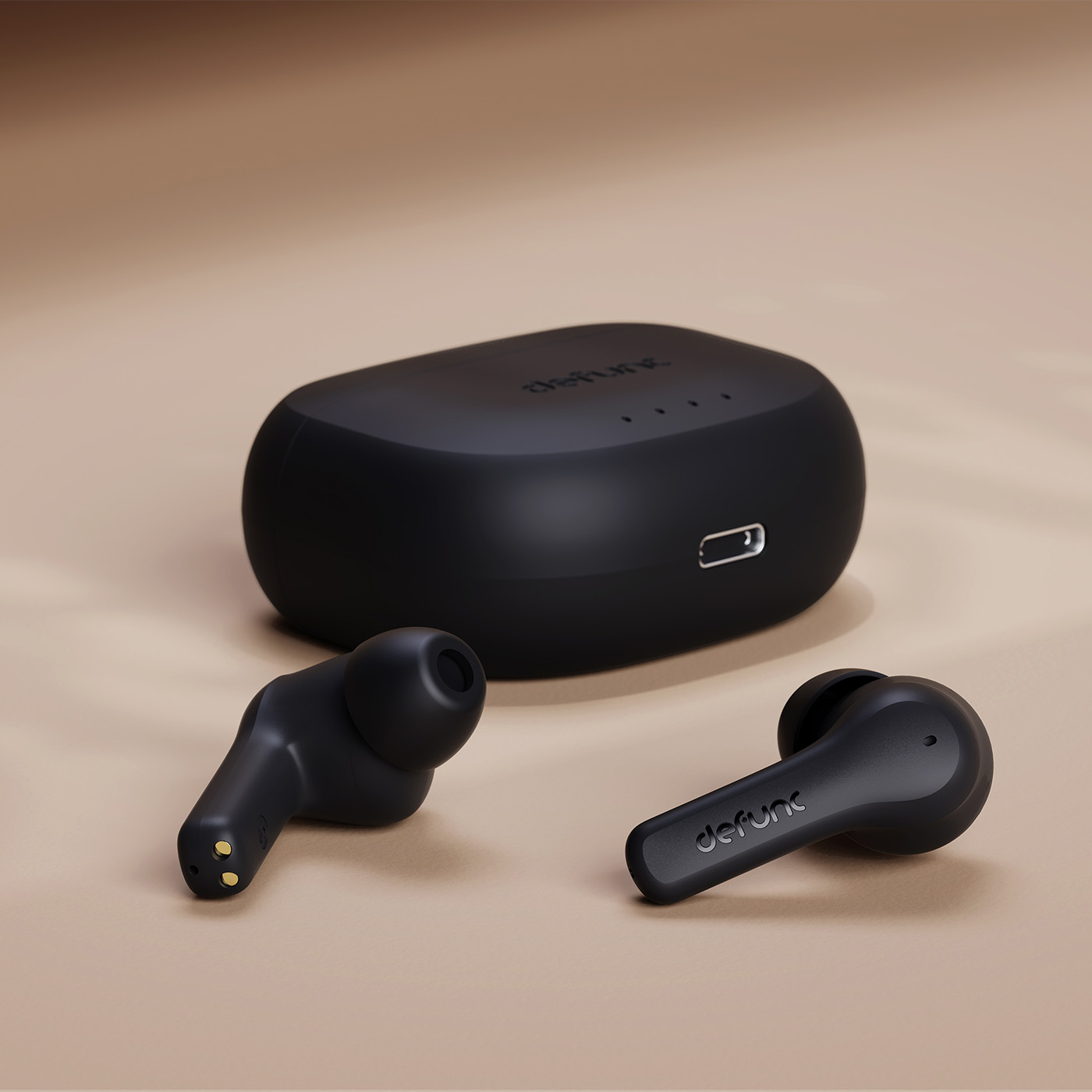
Download the TRUE ANC II online manual here
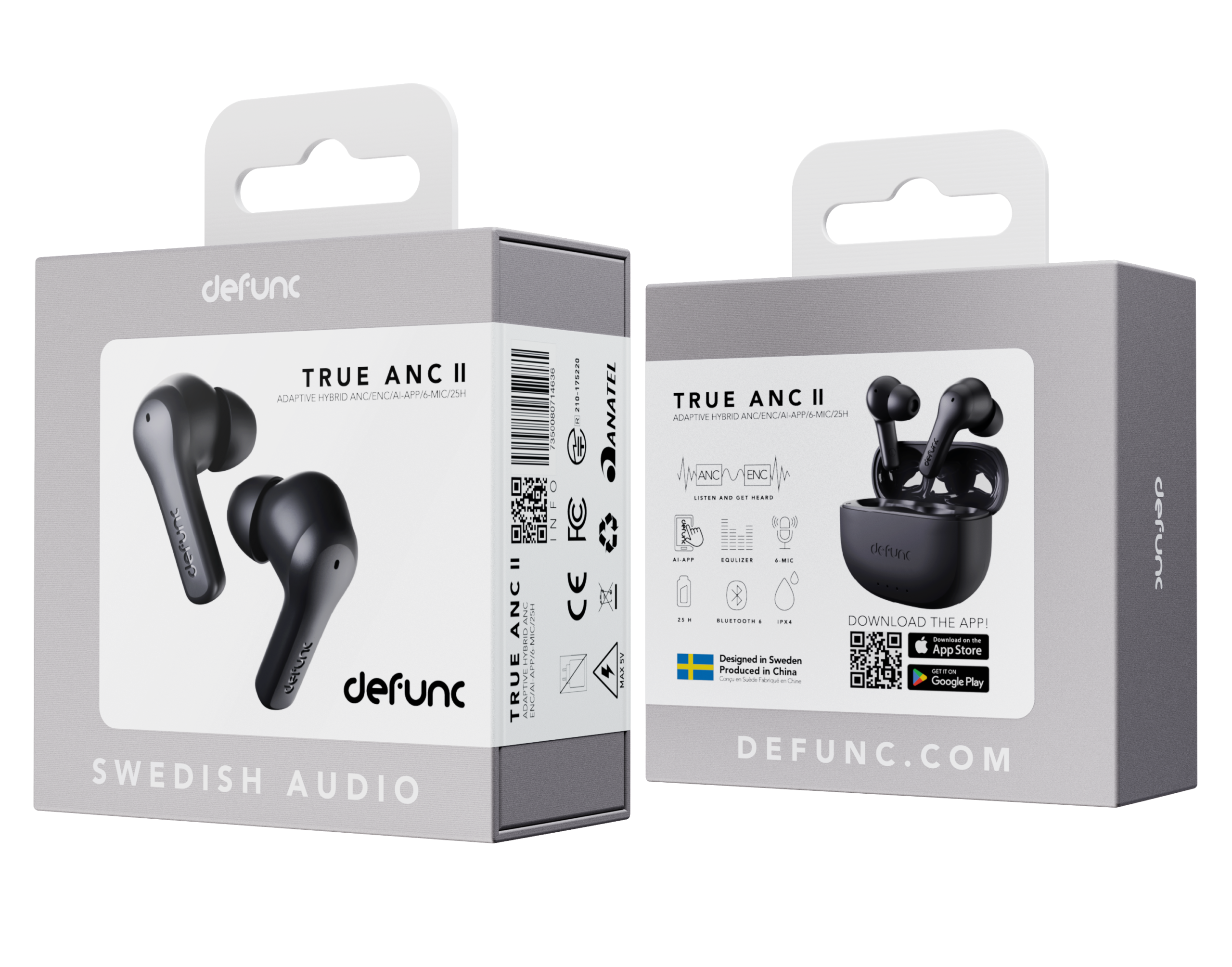
GET STARTED
1. Remove the plastic sticker on the buds before charging.
2. Place the earbuds in the case to charge them until all 4 white lights are lit.
3. Open the charging case and take out the earbuds. They will automatically power on and pair with each other when taken out of the case. When the
white/red lights flash, the earbuds are ready to pair with your device.
4. Turn on the Bluetooth function on your device. Select Defunc TRUE ANC II in the Bluetooth list to pair the earbuds with the device.
There are two ways to turn the earbuds on:
1. Open the charging case for auto-power on after about 1 second.
2. Press each earbud for 3 seconds until you hear the on-sound or white
lights flash 3 times.
There are three ways to turn the earbuds off and one way they auto-power off:
1. Put the earbuds back in the charging case and close the cap.
2. Press either earbud for 5 seconds until you hear the off-sound or see
red lights flash 3 times.
3. Auto-power off will be activated after 5-6 minutes without a connected
device
Open the charging case and take out the earbuds. They will automatically power on and pair with each other when taken out of the case. When the
white/red lights flash, the earbuds are ready to pair with your device.
Turn on the Bluetooth function on your device. Select Defunc TRUE ANC II in the Bluetooth list to pair the earbuds with the device. The earbud lights turn off when the earbuds are paired. The earbuds will automatically pair with a previously connected device when powered on again.
The touch control is your remote control with which you for instance play music and answer calls without having to take your device out of your pocket or bag.
Tap or press the earbud touch area to control different functions.
Switch sound modes: Press the right earbud for 2 seconds to switch from normal mode to transparency mode. 2 seconds again to switch from transparency mode to active noise cancellation (ANC) and 2 seconds again to go back to normal mode. If the earbuds are turned off, the last setting will be the default when turned back on.
Power on: Open the charging case for auto-power on or press each earbud for 3 seconds.
Power off: Put the earbuds back in the charging case and close the cap. Or press either earbud for 5 seconds. Auto-power off will be
activated after 5-6 minutes without a connected device.
Play/pause: Double-tap either earbud.
Next track: Triple-tap the right earbud.
Previous track: Triple-tap the left earbud.
Volume increase: Tap the right earbud once.
Volume decrease: Tap the left earbud once.
Answer/end phone call: Double-tap either earbud.
Reject call: Press either earbud for 2 seconds.
Voice assistant: Press the left earbud for 3 seconds to activate/deactivate. Note that most Android phones automatically deactivate the voice assistant.
See attached quick-guide PDF for images+info.
Make sure that the charging case has battery life. Put the earbuds in the charging case. Close the cap.
Plug the USB-C charging cable with the USB-C port on the charging case. Plug the other end of the cable into a power source.
Download the Defunc AI App where you find your apps and follow the instructions to register your account. You can also use your earbuds without the app (for our default audio settings that fits all music genres)
The Defunc AI App gives you the possibility to choose EQ settings or to create your own. You can also switch between different modes (ANC/Transparency/Music) and enjoy a number of other features to enhance your listening experience.
The earbuds have 3 sound modes:
1. Active noise cancellation (ANC) mode actively cancels surrounding noise.
2. Transparency Mode lets surrounding sounds into the earbuds.
3. Music mode for an enhanced music experience. It is the default when
the earbuds are turned on. These modes can be changed in the app.
Charging: White lights flash.
Battery status: Each light equals 25% battery life. When each 25% is reached, the corresponding light becomes stable, and the next starts flashing. When charged to 100%, all lights turn off.
Two earbuds charging: The first and fourth charging case lights flash for about 5 seconds.
Only left earbud charging: The first charging case light flashes for about 5 seconds.
Only right earbud charging: The fourth charging case light flashes for about 5 seconds.
Case and earbuds can be charged simultaneously.
1. Make sure the earbud has battery life. If not, place the earbud in the charging case to charge it.
2. Create a new Bluetooth connection between the earbuds and the earbuds and your device by placing the earbuds in the charging case and close the cap. Then, open the cap and pick out the earbuds again.
1. Turn off the Bluetooth function on close-by devices to avoid accidental pairing.
2. Take out the earbuds from the charging case. Press the earbuds 6 times and keep holding for 3 seconds the 6th time.
4. Hold the earbuds close to each other.
5. Pairing is successful when you hear “earbuds paired”.
No. They can only be connected to one device at a time only.
Yes you can!
Go to the Bluetooth settings on your device and look for a text or graphic that reads “disconnect pairing” or similar. Tap on that text/graphic to unpair.
From the Bluetooth SIG website: “Interference is one of the biggest challenges for any wireless technology in providing reliable data communication. Since wireless technologies like Bluetooth®, Wi-Fi, and 802.15.4 devices share a transmission medium, it’s possible for a data packet that is being transmitted to be corrupted or lost if it collides with another packet being transmitted at the exact same time and on the same frequency channel.”
This means that your earbuds can without apparent reason disconnect from your device. If this happens, and if your earbuds and device doesn’t reconnect automatically, establish a new Bluetooth connection between the earbuds and your device by placing the earbuds in the charging case and close the cap. Then, open the cap and pick out the earbuds again.
Remember that when the 10 meter Bluetooth range is measured, it’s measured between two points without any objects in the way blocking the signal. This means that even though you have your device in your back pocket, the connection might not be 100 percent. If you experience a bad connection, please make sure that as little objects as possible are in the way between your earbuds and your device, for example clothes and accessories in your bag.
You have 14 days right under Swedish distance selling law to return your item. You must contact customer service at info@defunc.com before returning your item. You have the right to examine the goods you have purchased, but to cancel the purchase your item must be in so-called essentially unchanged condition. Due to hygienic reasons your item cannot be used or tested. It is unfortunately not possible to return in-ear earbuds once the sealed package has been opened due to personal hygiene reasons.
• Make sure the earbuds are turned on.
• Make sure Bluetooth is turned on on your device.
• Make sure that the earbuds aren’t connected to another device.
• Make sure the earbuds have battery life.


